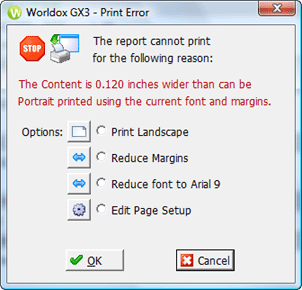
Used in printing worklists. There are a variety of error messages possible. The one illustrated here is format-related - when the worklist is too large to print without making adjustments.
Field/Choice |
Description |
Options |
Depending on the error, Worldox suggests one or more solutions: • Select Print landscape to print the worklist in landscape mode. • Select Reduce margins to narrow the page margins. • Select Reduce font ... to reset worklist font size. • Select Edit page setup to open the Print dialog - Page Setup tab, where you can fine tune font sizes and format options. |